> ## Documentation Index
> Fetch the complete documentation index at: https://help.reevo.ai/llms.txt
> Use this file to discover all available pages before exploring further.
# My record creation
> Override your organization's record creation rules for your individual account.
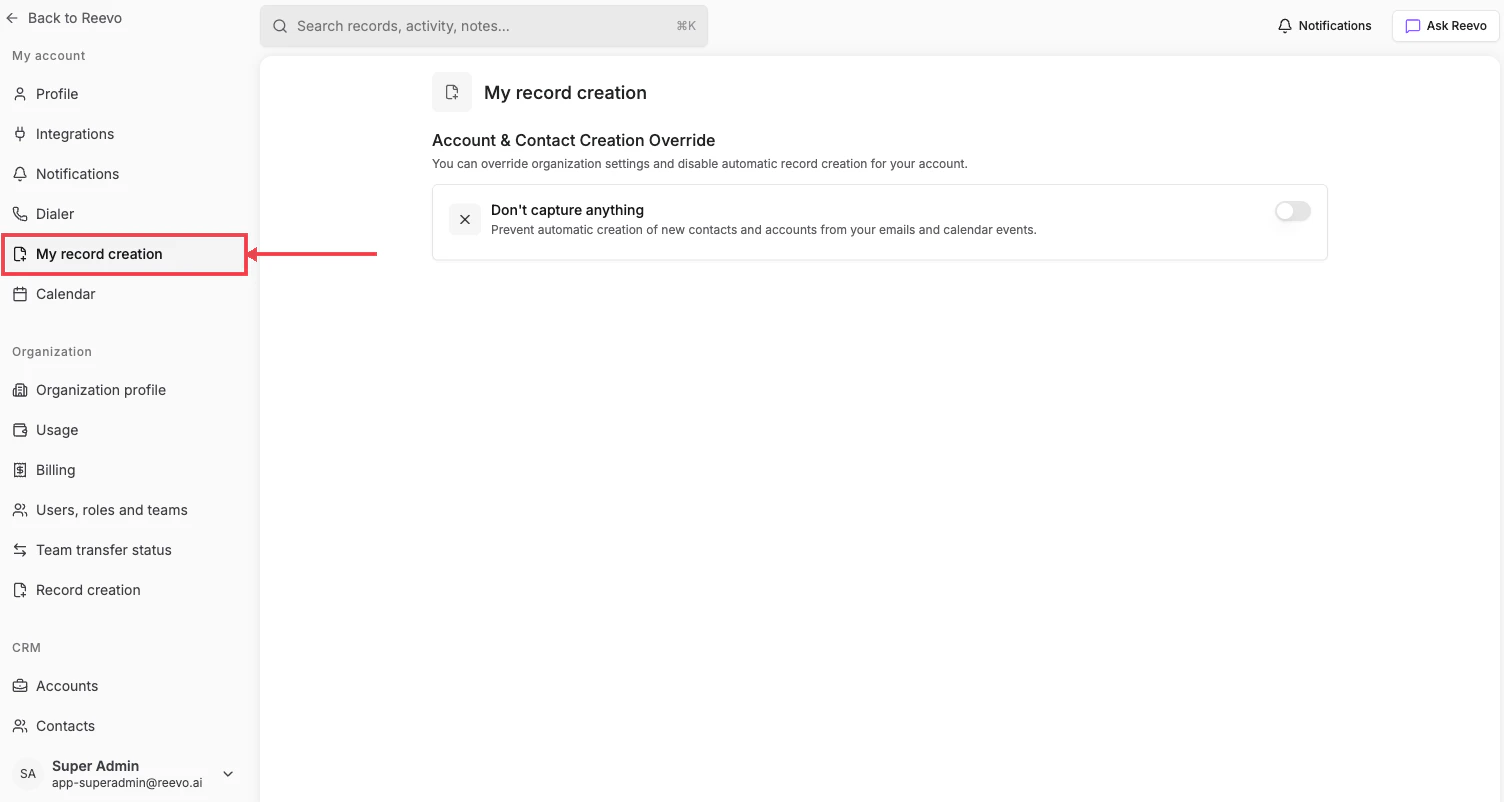
This setting lets you override your organization's default record creation rules for your individual account. The page exposes a single toggle.
# Where to Find It
**Settings → My account → [My record creation](https://app.reevo.ai/settings/user-record-creation)**
 # The override toggle
> **Don't capture anything**, *"Prevent automatic creation of new contacts and accounts from your emails and calendar events."*
Turning it on stops record creation for your account even if the org-level mode would normally allow it. Useful if you handle confidential communications or prefer to manage CRM records manually.
This only affects records created from **your** activity. Records created from your teammates' email and calendar interactions still follow the [organization-level rules](/Getting-started/Organizational-Account-Settings/Record-Creation).
#
> Still have questions? [Sign in](https://reevo.ai/) and use AskReevo for instant answers or to raise a support ticket.
# The override toggle
> **Don't capture anything**, *"Prevent automatic creation of new contacts and accounts from your emails and calendar events."*
Turning it on stops record creation for your account even if the org-level mode would normally allow it. Useful if you handle confidential communications or prefer to manage CRM records manually.
This only affects records created from **your** activity. Records created from your teammates' email and calendar interactions still follow the [organization-level rules](/Getting-started/Organizational-Account-Settings/Record-Creation).
#
> Still have questions? [Sign in](https://reevo.ai/) and use AskReevo for instant answers or to raise a support ticket.