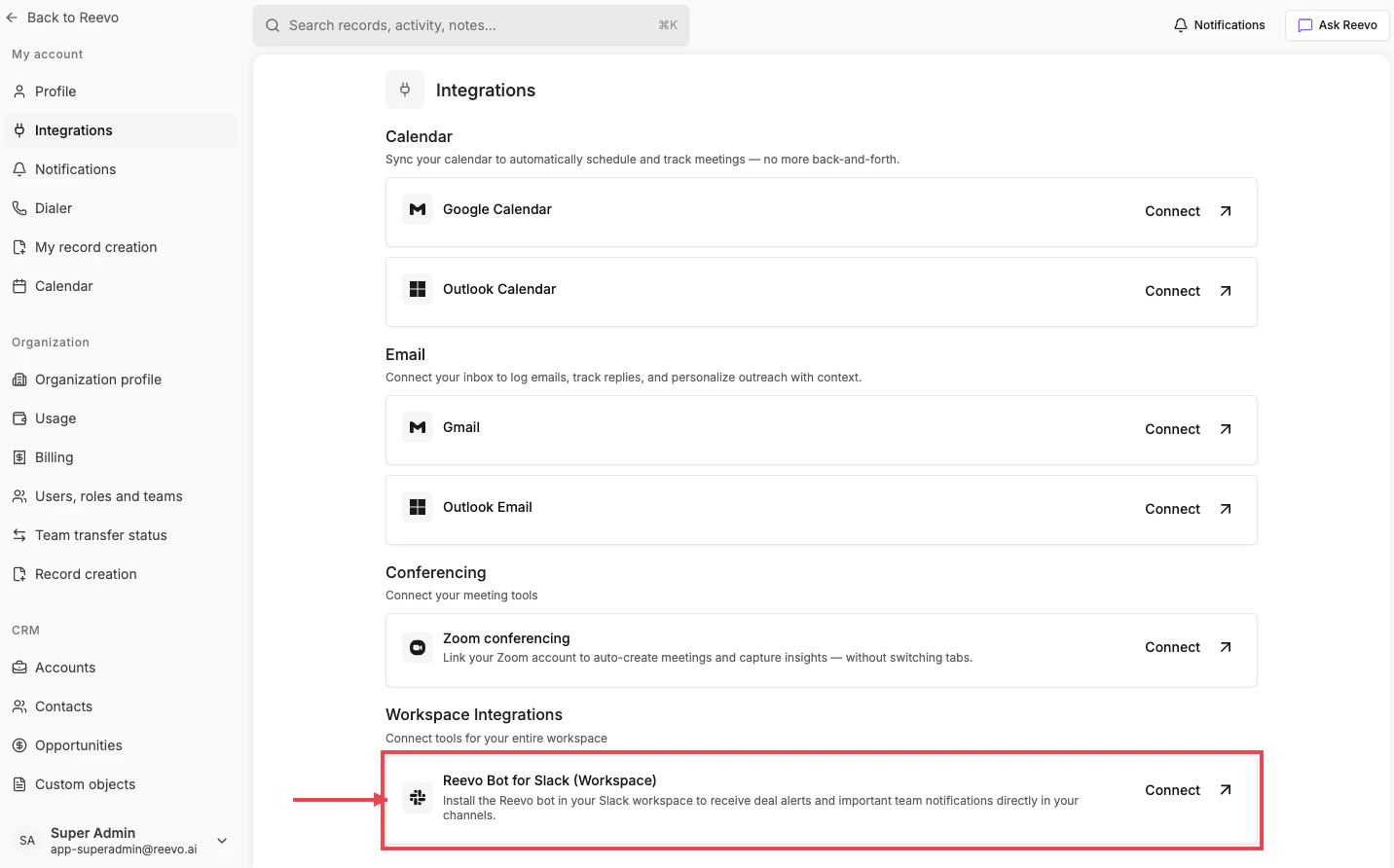
Reevo Bot for Slack (Workspace)
Card label: Reevo Bot for Slack (Workspace), “Install the Reevo bot in your Slack workspace to receive deal alerts and important team notifications directly in your channels.” This is an admin-only action. Installing the bot requires Slack workspace admin permissions, and once installed it’s available to everyone in your Reevo organization.Connecting the workspace bot
- On Settings → Integrations, scroll to Workspace Integrations.
- Click Connect on the Reevo Bot for Slack (Workspace) card.
- Approve the install in Slack and pick the Slack workspace you want to install it in.
- The card shows Connected when finished.
After connecting
Once the workspace bot is connected, individual users can also link their personal Slack identity to Reevo to interact with the Ask Reevo AI agent and receive personalized notifications. See AskReevo Slack Integration for the user-level setup and the full list of available notifications. For shared deal-alert Slack channels (Closed Won / Lost / Stage Change) and the org-wide meeting prep timing, see Organizational Account Settings → Notifications.Still have questions? Sign in and use AskReevo for instant answers or to raise a support ticket.