Where to Find It
Settings → My account → My record creation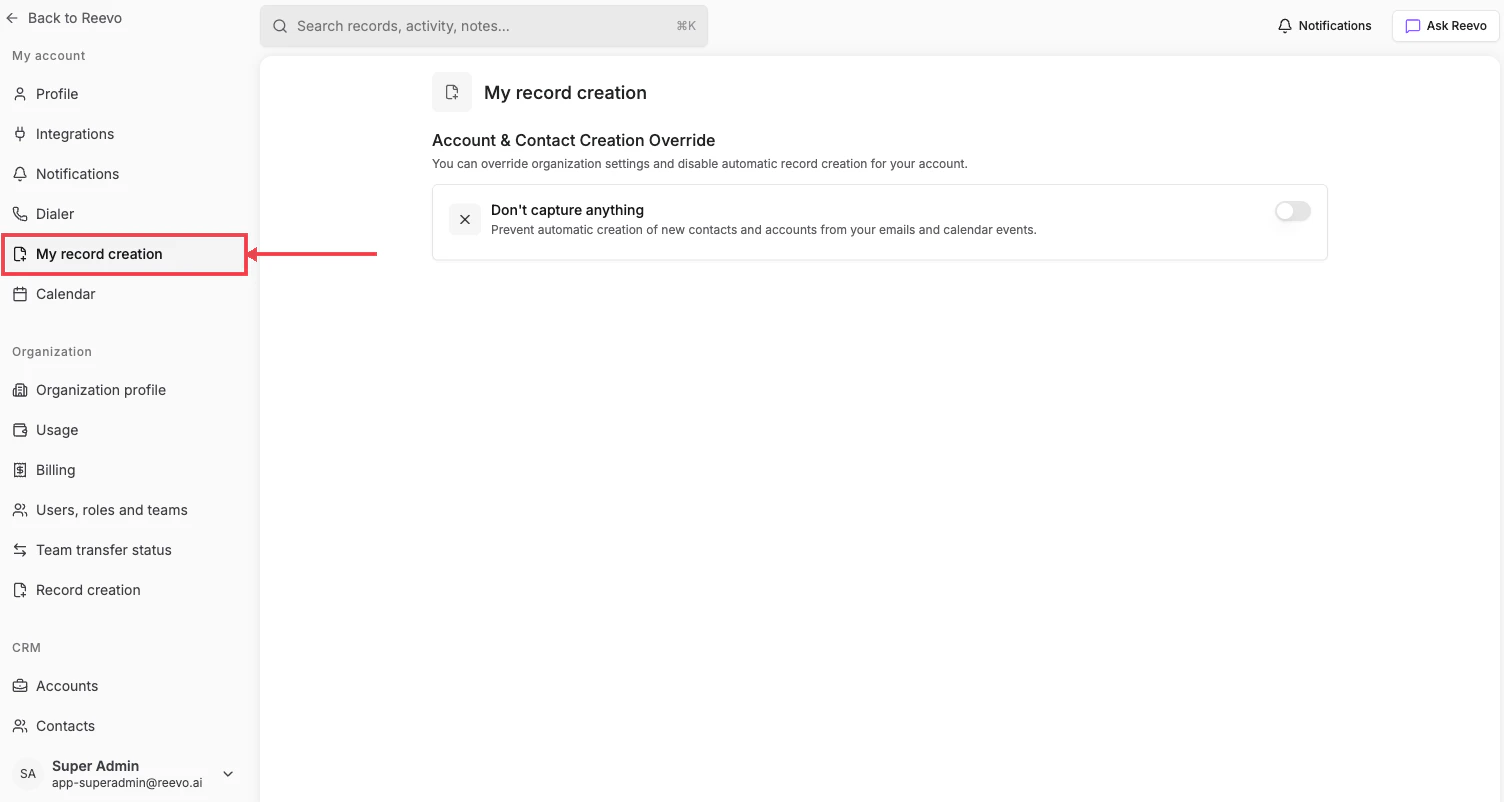
The override toggle
Don’t capture anything, “Prevent automatic creation of new contacts and accounts from your emails and calendar events.”Turning it on stops record creation for your account even if the org-level mode would normally allow it. Useful if you handle confidential communications or prefer to manage CRM records manually.
This only affects records created from your activity. Records created from your teammates’ email and calendar interactions still follow the organization-level rules.
Still have questions? Sign in and use AskReevo for instant answers or to raise a support ticket.