
Documentation Index

Fetch the complete documentation index at: https://help.reevo.ai/llms.txt

Use this file to discover all available pages before exploring further.

Manage how you appear in Reevo and how email sequences are timed for you.

Where to Find It

  • Click your name in the lower-left corner of Reevo.
  • Select Settings.
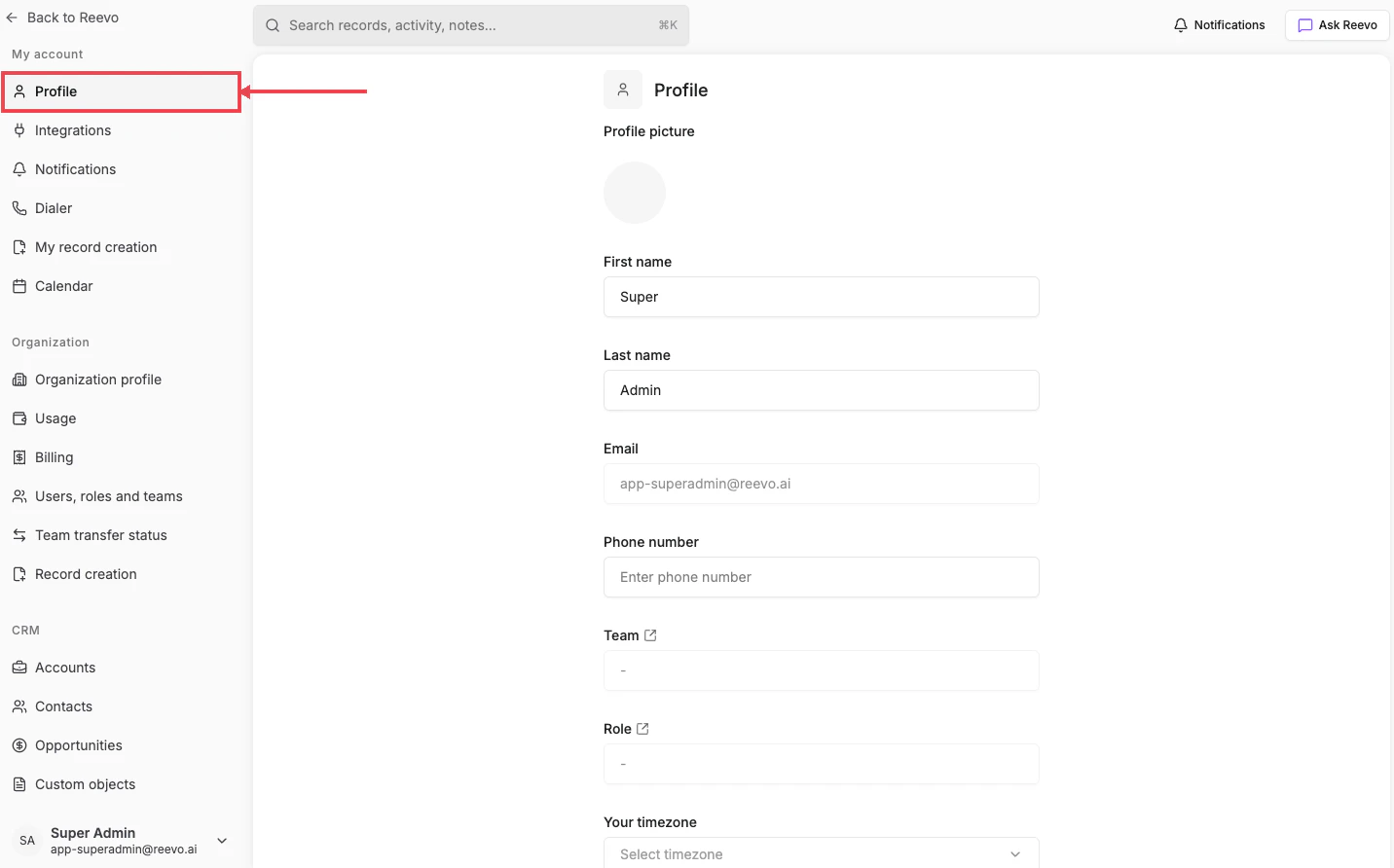
  • You’ll land on Profile under the My account section of the left sidebar.
Profile page, with the Profile link highlighted in the Settings sidebar

Fields

  • Profile picture, First name, Last name: how teammates and prospects see you.
  • Email: your sign-in address (read-only).
  • Phone number: used as the fallback caller ID when the Dialer can’t pick a configured number.
  • Team and Role, read-only links to your assignments. Both are managed by your admin under Users, roles and teams.
  • Your timezone: sets the local time used when scheduling sequence sends, meetings, and reminders.
Update your timezone before traveling. Email sequences send relative to whatever timezone is on your Profile, so a 9:00 AM send time will follow you wherever you set it.
Still have questions? Sign in and use AskReevo for instant answers or to raise a support ticket.