Where to Find It
Settings → My account → Calendar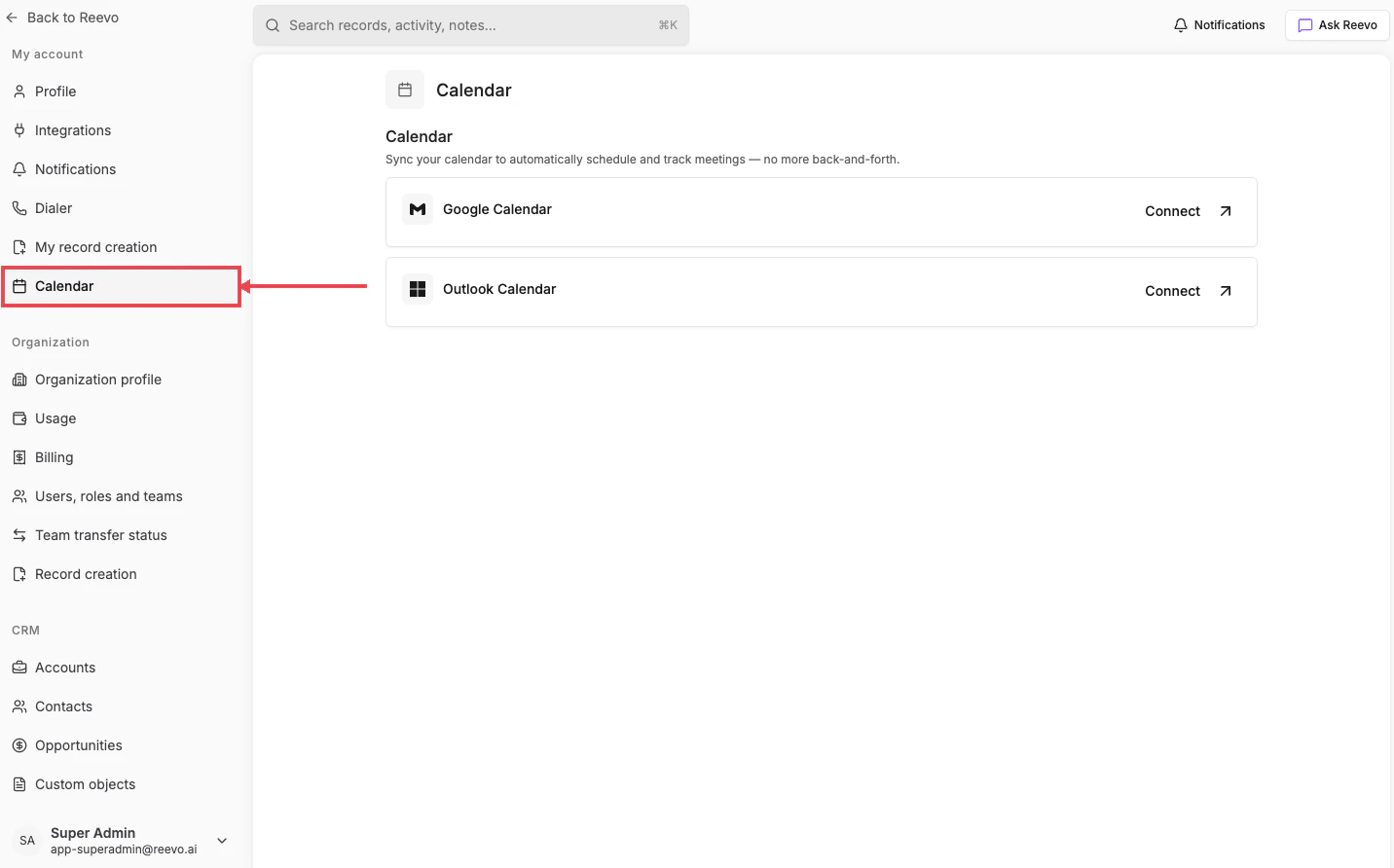
What lives here
- Google Calendar or Outlook Calendar, connection cards. Connecting either one enables Pre-Meeting Prep, Notetaker, scheduling links, and CRM record creation from your scheduled events. See Email & Calendar for the full setup.
- Auto-sync calendar events: when on (recommended), Reevo automatically tracks upcoming and past meetings tied to your contacts.
- Default availability: appears once Google Calendar is connected. Set the days, start/end times, and timezone you want to use as the template for scheduling links and other event types.
Still have questions? Sign in and use AskReevo for instant answers or to raise a support ticket.