Where to Find It
Settings → My account → Dialer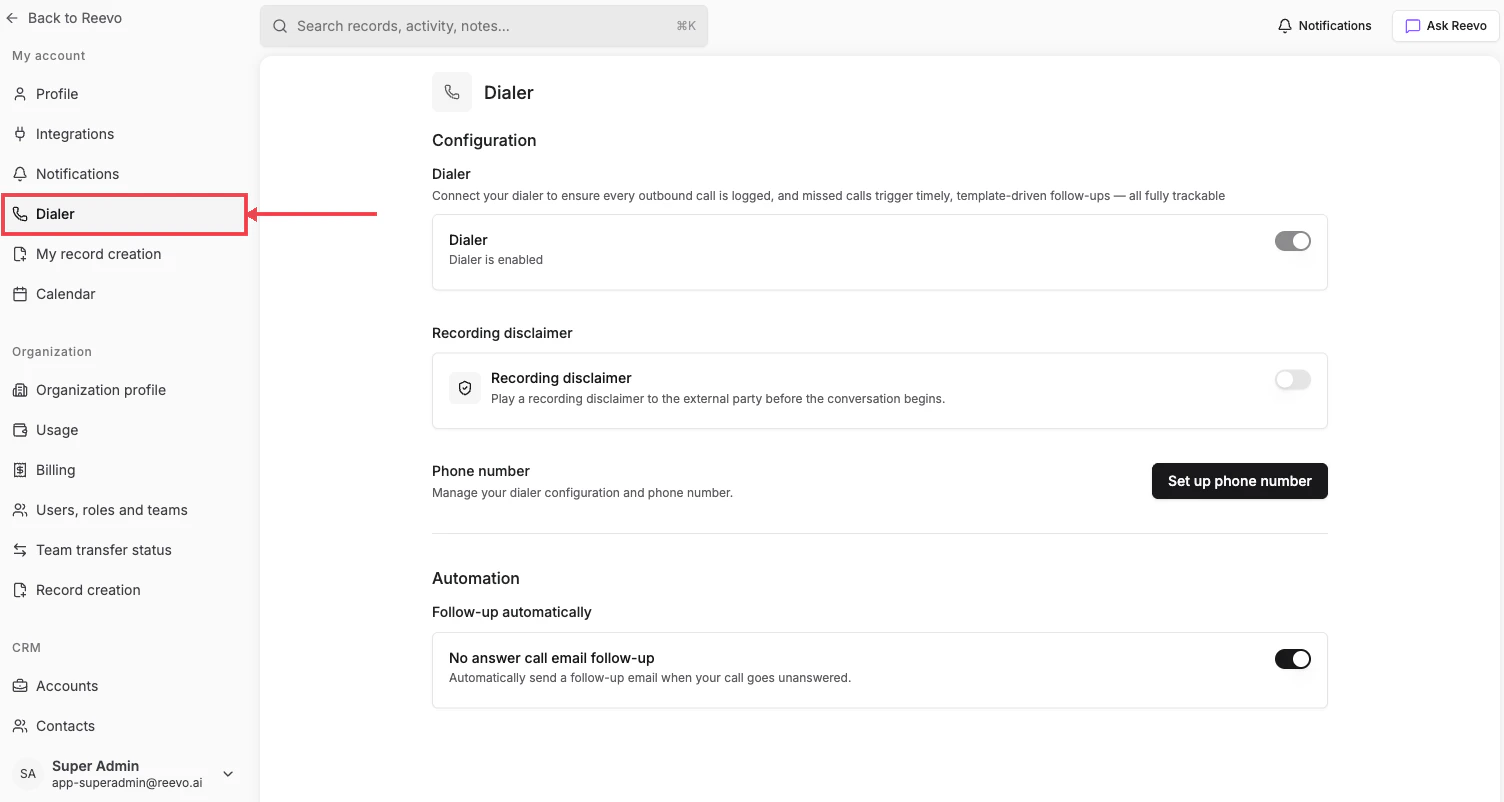
Configuration
- Dialer: master toggle for the in-app phone. “Connect your dialer to ensure every outbound call is logged, and missed calls trigger timely, template-driven follow-ups, all fully trackable.”
- Recording disclaimer: “Play a recording disclaimer to the external party before the conversation begins.” Required in many jurisdictions.
- Phone number: click Set up phone number to assign or buy a number from Reevo.
Automation
- Follow-up automatically → No answer call email follow-up: “Automatically send a follow-up email when your call goes unanswered.”
Still have questions? Sign in and use AskReevo for instant answers or to raise a support ticket.