/notifications feed page, see In-App Notifications.
Where to Find It
Settings → My account → NotificationsWhat you can configure
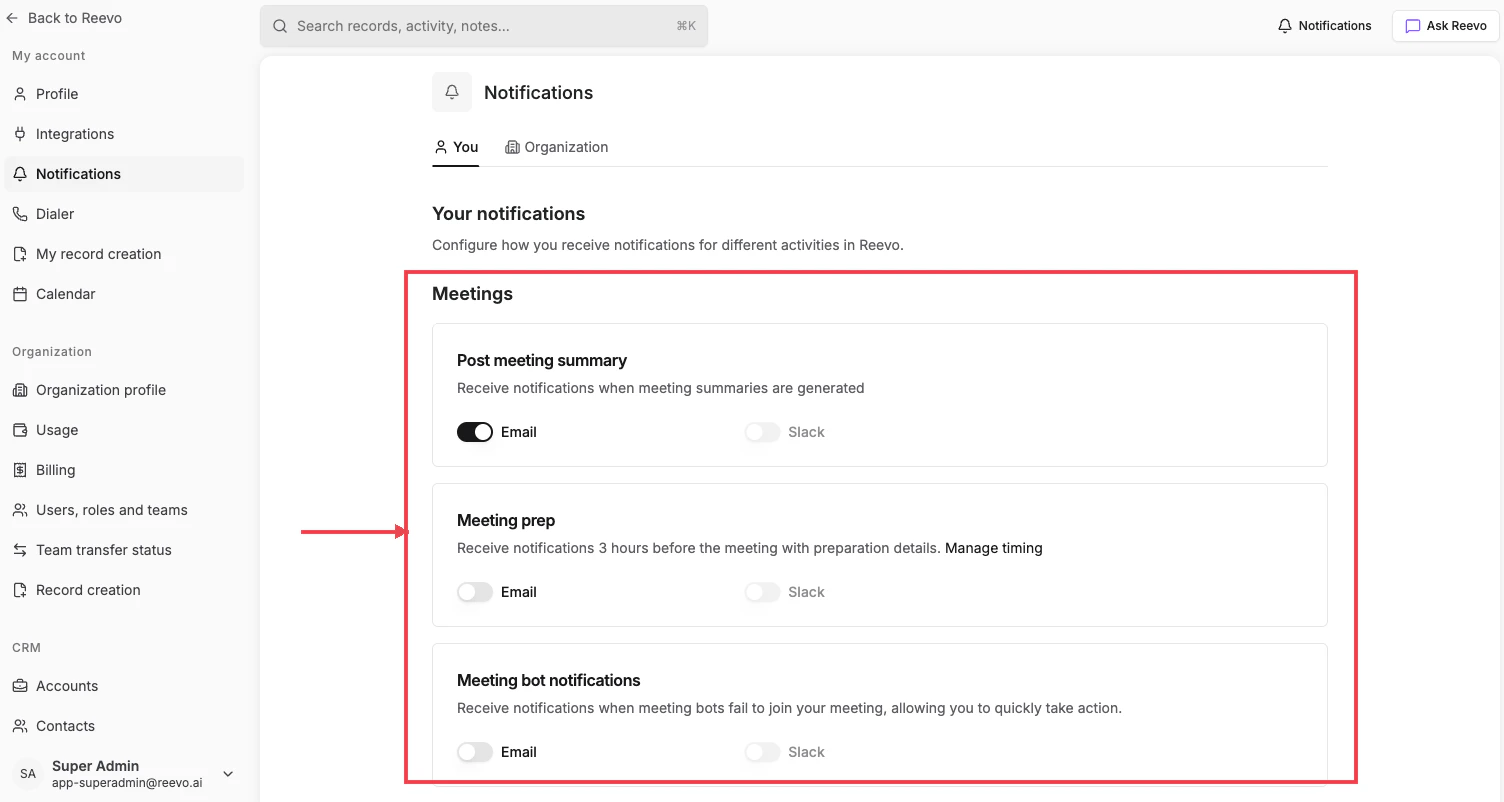
The You tab groups notifications by feature area. Most rows let you independently toggle the Email and Slack delivery channels; some have only one channel available.Meetings
- Post meeting summary: get notified when a Notetaker-generated summary is ready. (Email, Slack)
- Meeting prep: receive Pre-Meeting Prep details before your upcoming meetings. The lead time (default 3 hours) is set by your admin on the Organization tab; click Manage timing on this row to jump there. (Email, Slack)
- Meeting bot notifications: alerts when a Notetaker bot fails to join your meeting so you can take action. (Email, Slack)
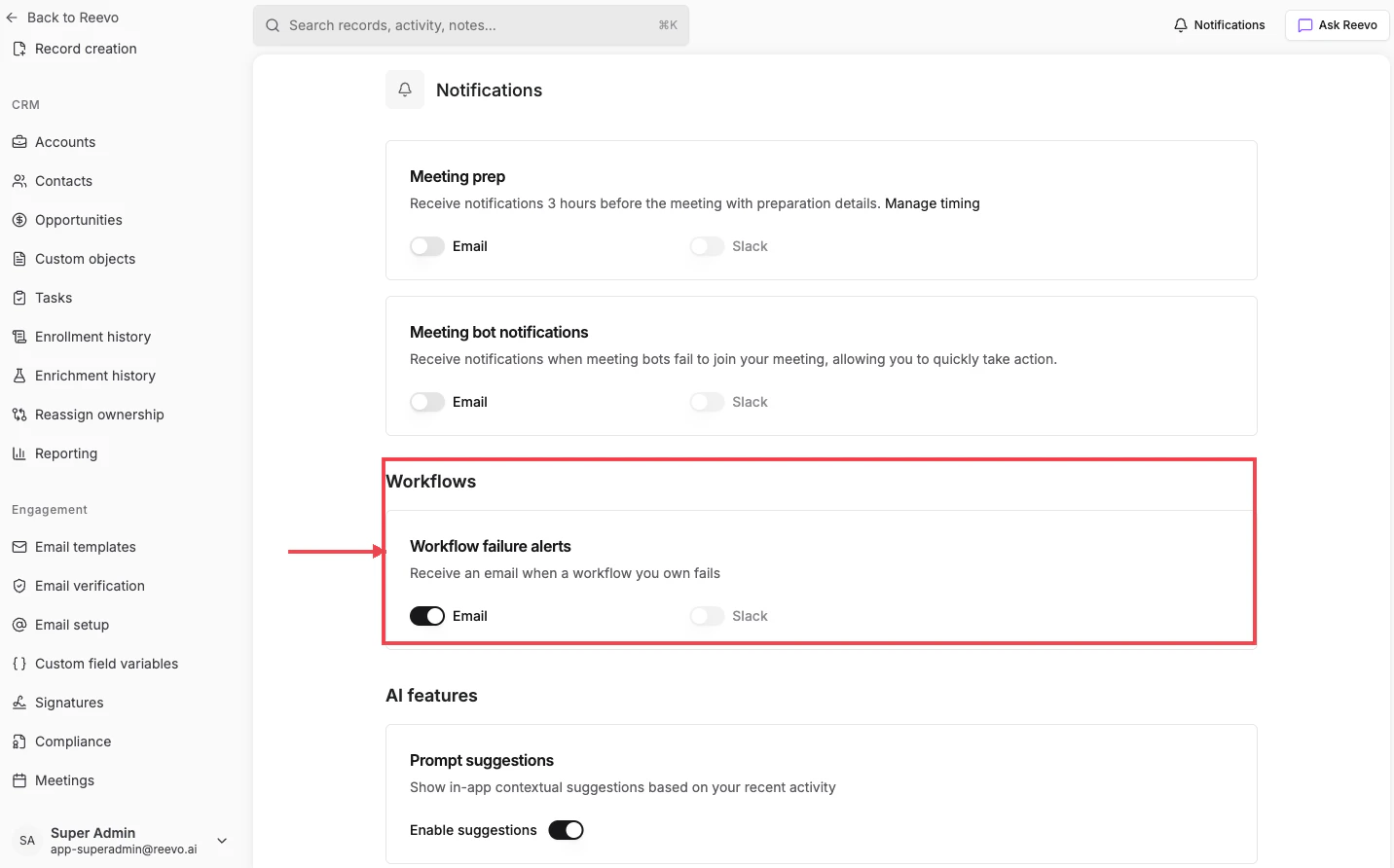
Workflows
- Workflow failure alerts: emailed to workflow owners when a workflow they own fails to execute. On by default; email-only.
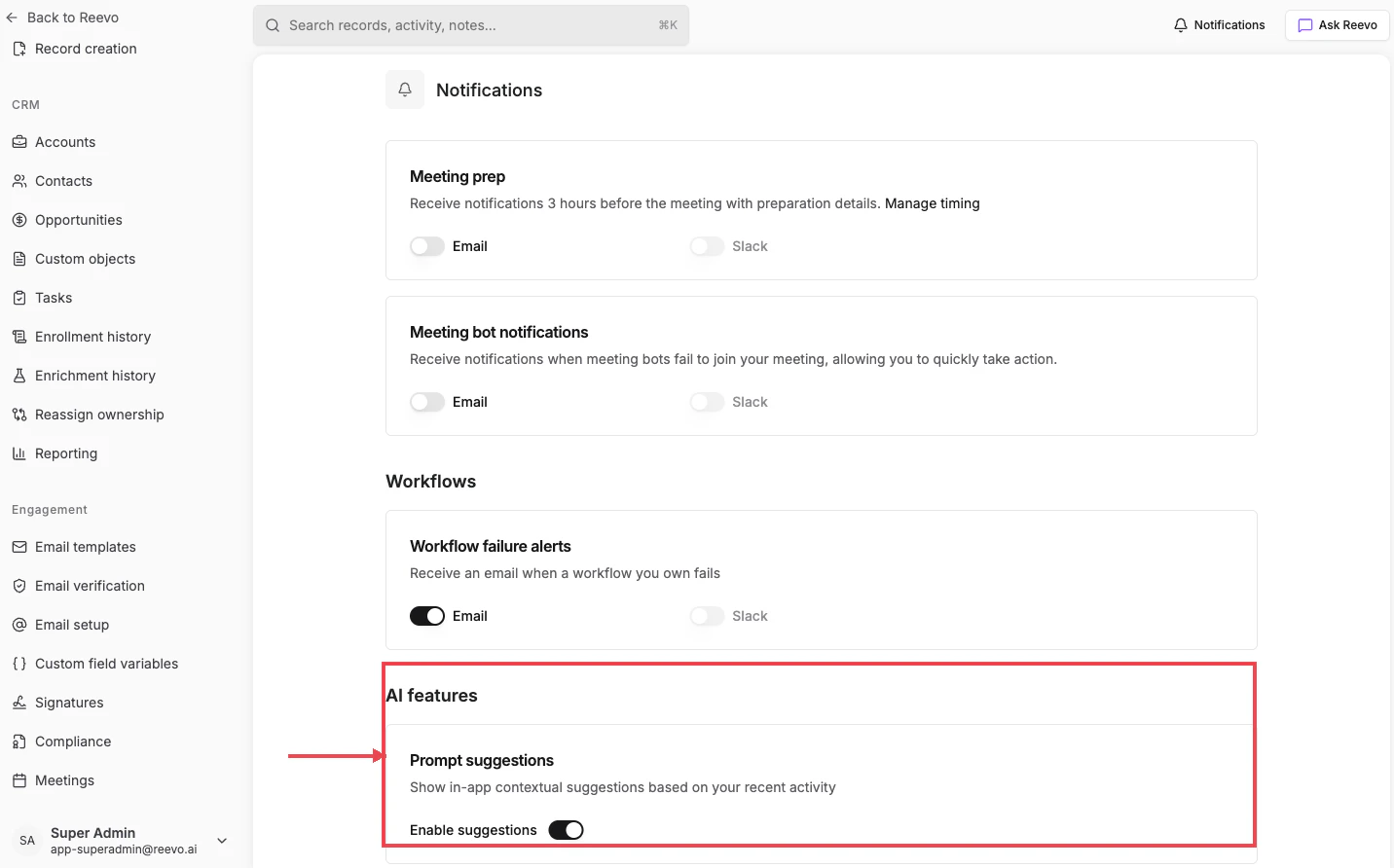
AI features
- Prompt suggestions: shows in-app contextual suggestions based on your recent activity. In-app only.
Slack notifications require the Reevo Bot for Slack workspace integration to be installed first. Connect it from Settings → Integrations; see Workspace Integrations.
Still have questions? Sign in and use AskReevo for instant answers or to raise a support ticket.