Before you start
You need a Typeform form and an external form created in Reevo. Follow Connecting an External Form to Reevo to create it and copy its webhook URL. Use clear, unique question titles in Typeform. Reevo uses those titles as the source fields that you map to your CRM.Add the webhook URL in Typeform
- Open your form in Typeform.
- Go to Connect, then open Webhooks.
- Click Add a webhook.
- Paste the webhook URL you copied from Reevo as the destination URL.
- Save the webhook and turn it on.
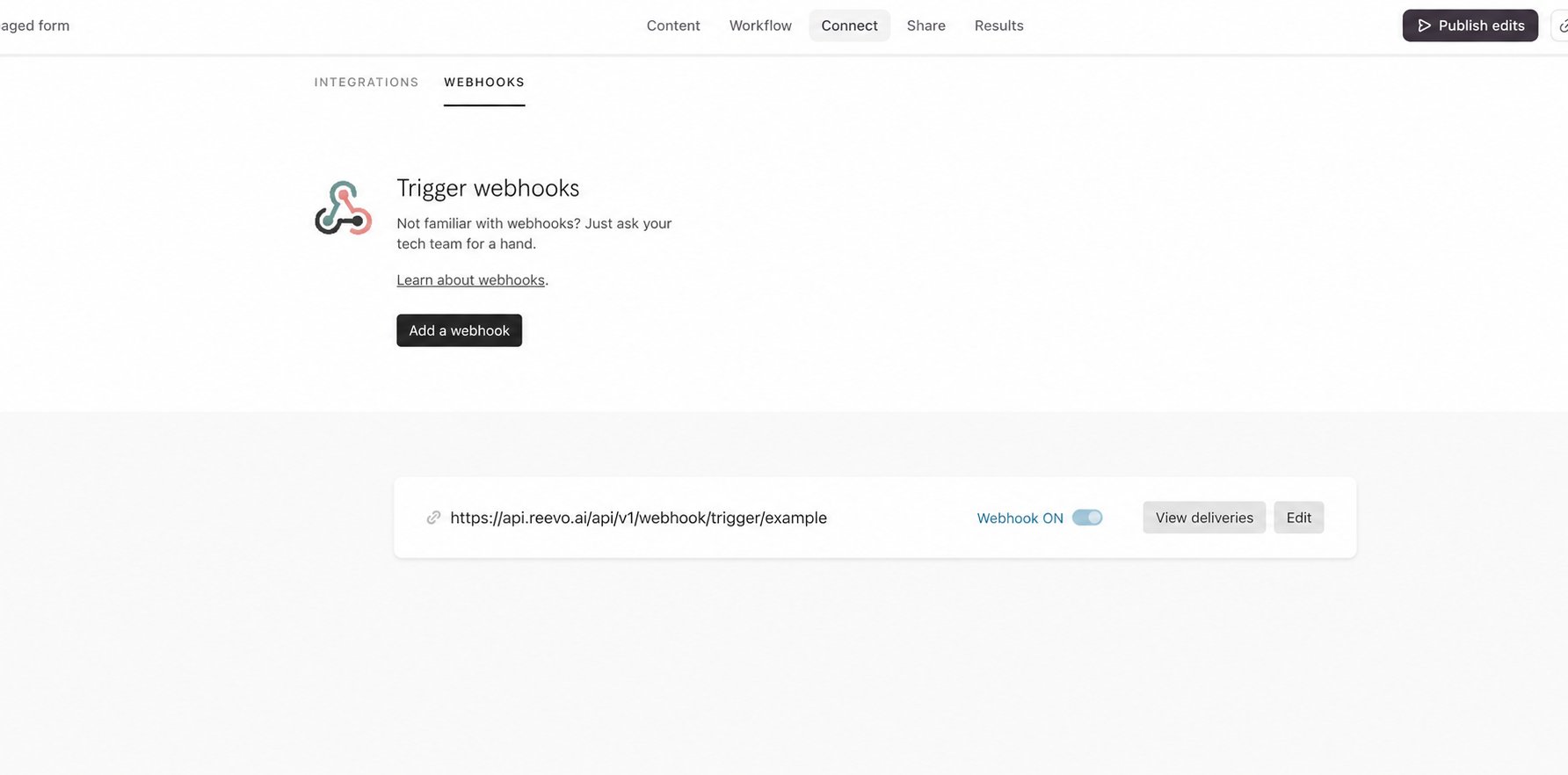
Send a test request
- Find the Reevo webhook on Typeform’s Webhooks page.
- Click View deliveries.
- Send a test request.
- Return to the external form builder in Reevo and click Populate from submission.
- Select the Typeform test submission.
- Map each Typeform question title to its Contact or Account field.
If you change a question title after mapping it, send another test request and update the corresponding source field in Reevo.
Launch and verify the connection
- Configure the connected workflow in Reevo, then click Launch.
- Submit the Typeform form using recognizable test values.
- Open the form’s Submissions tab in Reevo.
- Confirm that the response has the expected values and that its workflow ran successfully.
Troubleshooting Typeform
- No test request appears in Reevo: confirm that the webhook is on and that its destination exactly matches the URL from Reevo.
- A question is missing: make sure the test request contains an answer for that question, then populate the payload schema again.
- A mapping stops working after editing the form: check whether the Typeform question title changed, then remap the updated source field.