Where to Find It
Settings → Organization → Billing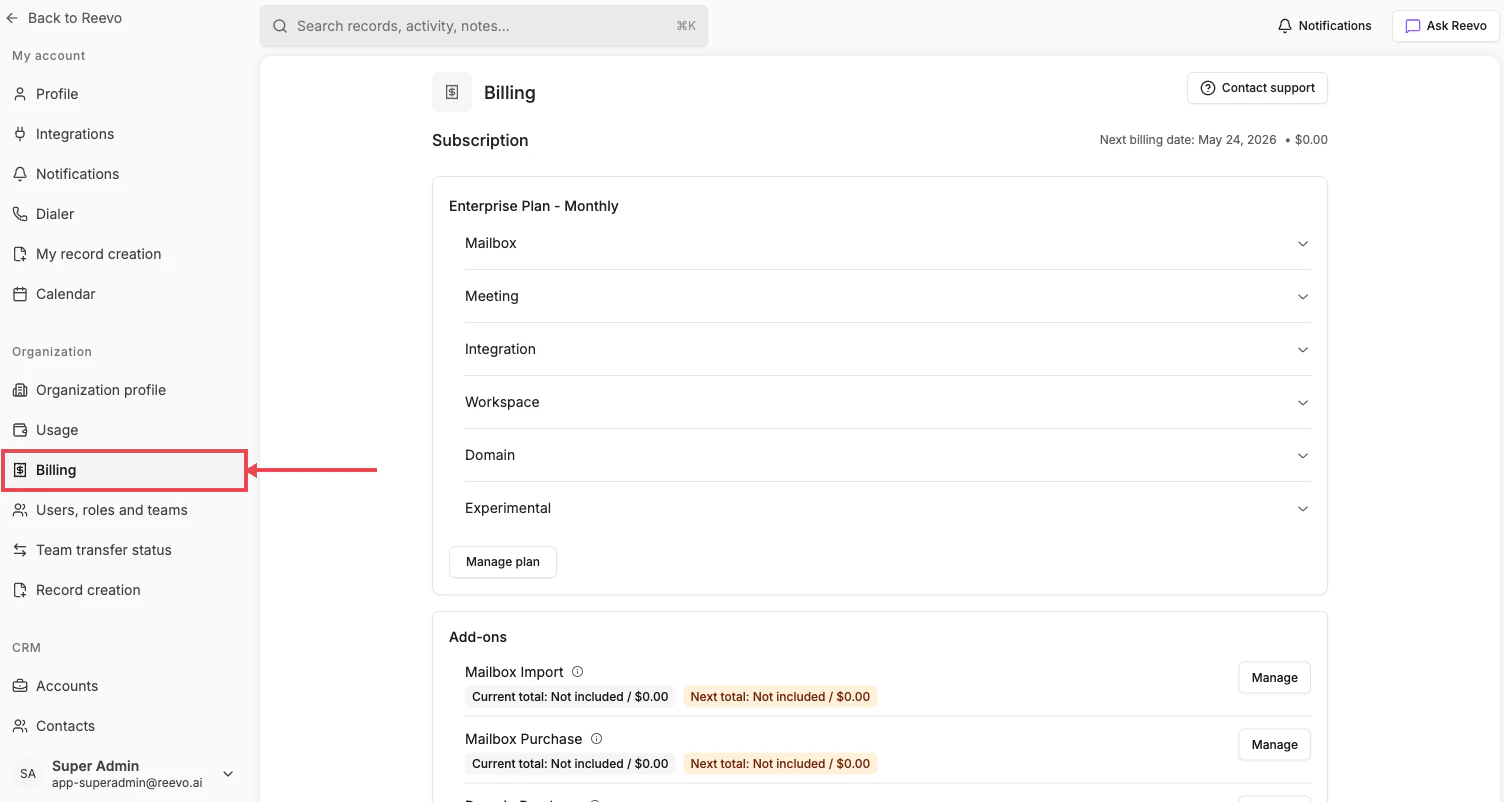
Sections
- Subscription: your plan (e.g. Enterprise Plan – Monthly) with collapsible per-product breakdowns: Mailbox, Meeting, Integration, Workspace, Domain, Experimental. Click Manage plan to change tiers.
- Add-ons: optional line items like Mailbox Import and Mailbox Purchase, each with current and projected next-cycle totals and a Manage button.
- Seats: total user seats included in your plan and current consumption.
- Billing details: payment method and billing contact information.
- Invoices: download past invoices for accounting.
Need to change plans or pause billing? Click Contact support in the page header to reach the Reevo billing team.
Still have questions? Sign in and use AskReevo for instant answers or to raise a support ticket.