Monitor bulk team operations in real-time. Track user transfers and team deletions as they process, and review detailed results when complete.When you move users between teams or delete a team that owns records, the operation runs in the background. This page is where you watch progress and confirm the transfer finished cleanly.
Where to Find It
Settings → Organization → Team transfer status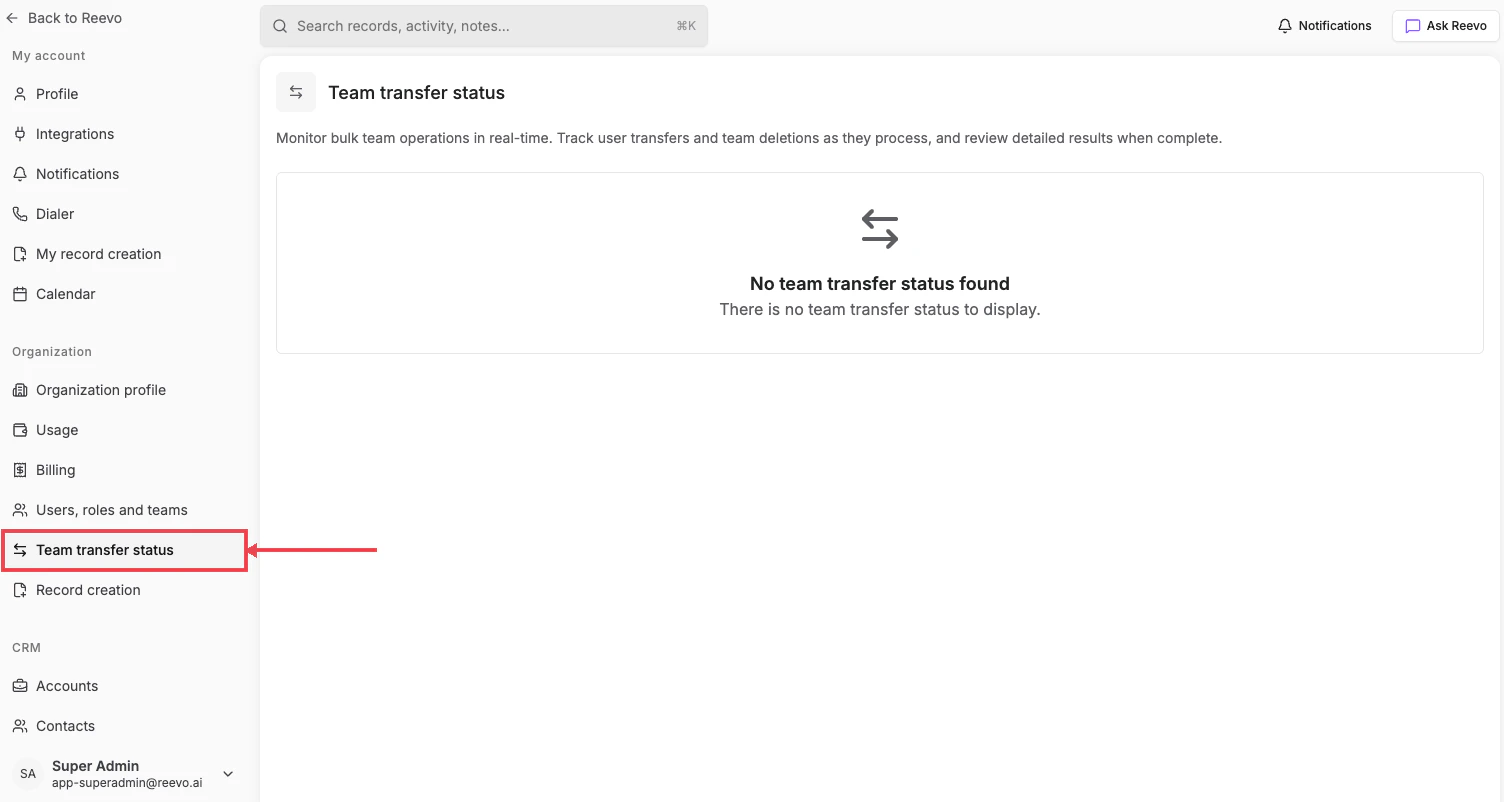
When you’ll see something here
- User transfers: moving multiple users from one team to another.
- Team deletions: removing a team while reassigning ownership of its records.
Still have questions? Sign in and use AskReevo for instant answers or to raise a support ticket.