Where to Find It
Settings → Organization → Usage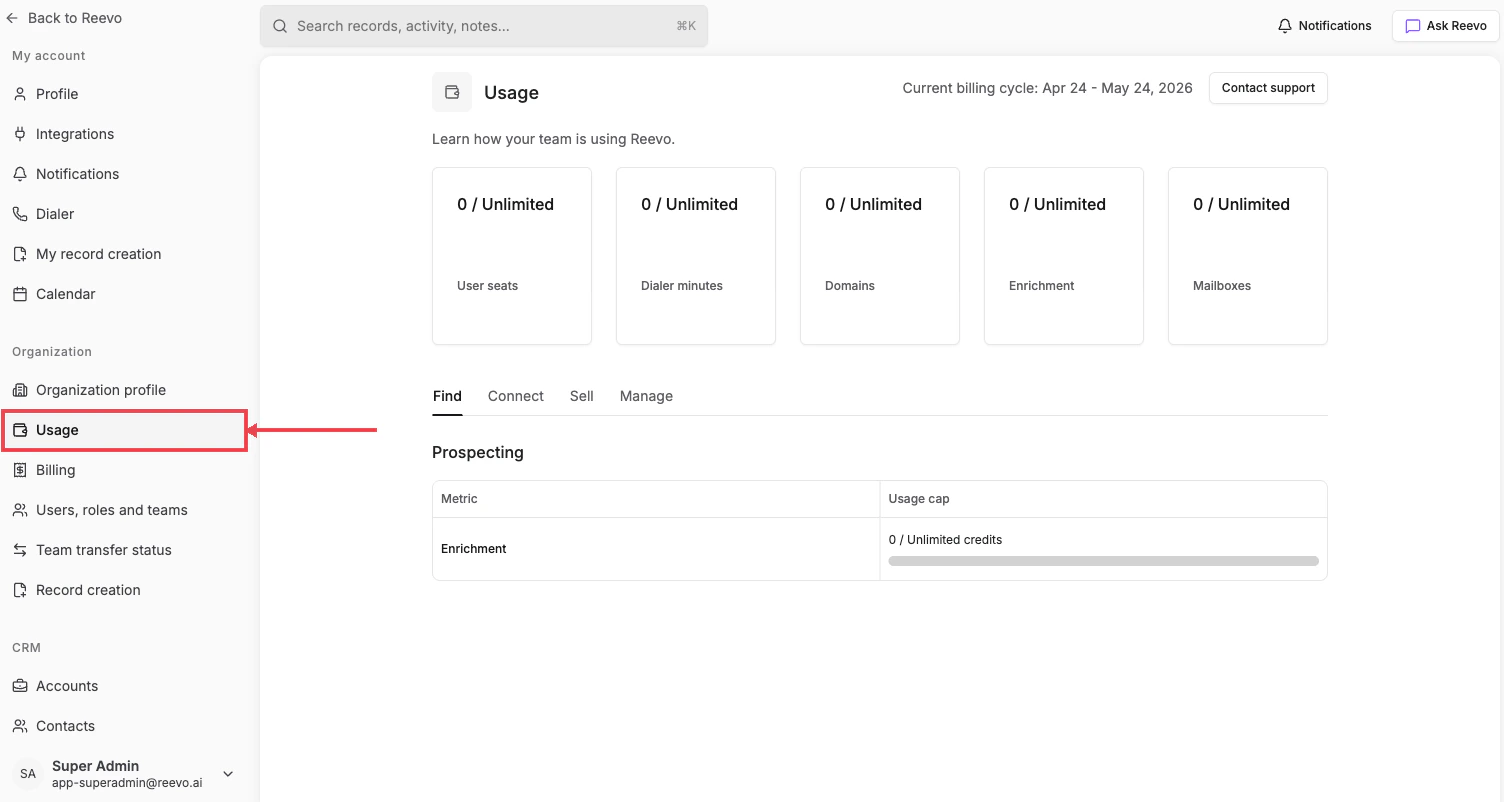
Headline metrics
The cards at the top of the page show your organization’s consumption against plan limits:- User seats: active user seats consumed.
- Dialer minutes: total outbound call minutes used this cycle.
- Domains: number of domains purchased through or connected to Reevo.
- Enrichment: contact and company enrichments consumed this cycle.
- Mailboxes: mailboxes purchased and in use.
Detail tabs
Below the metric cards, four tabs break out per-feature usage:- Find: Prospecting usage, including enrichment credit consumption.
- Connect: outreach-related metrics (mailboxes, send volume).
- Sell: meeting and dialer metrics.
- Manage: workspace, domain, and admin metrics.
Usage resets automatically at the start of each billing cycle. The current cycle range and your next billing date are shown at the top of the page.
Still have questions? Sign in and use AskReevo for instant answers or to raise a support ticket.