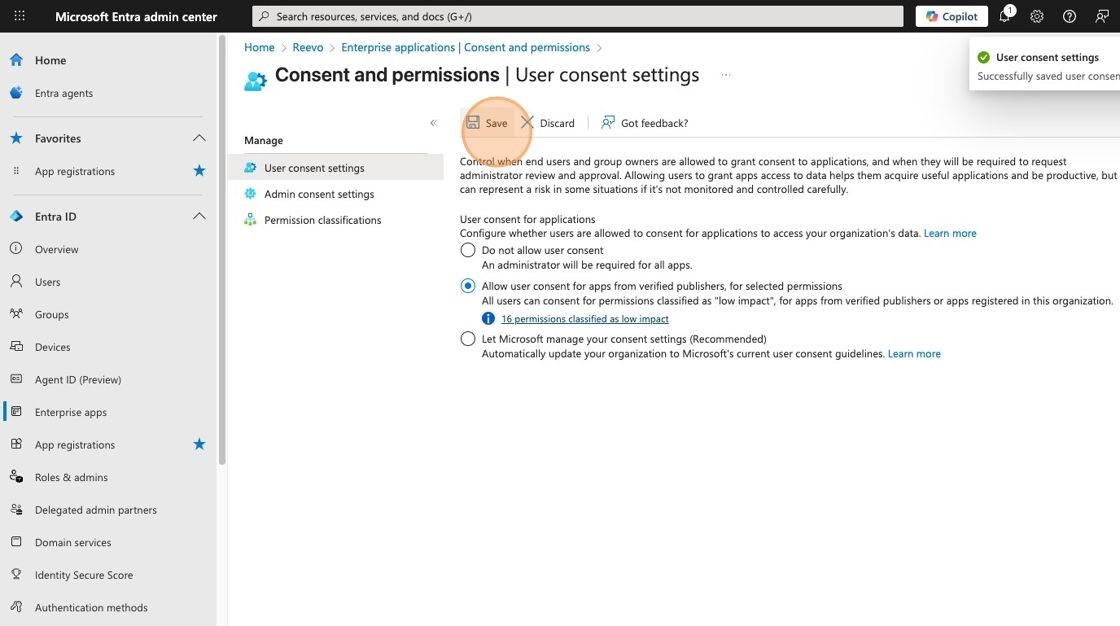
By default, Microsoft workspace accounts are set up with the “Let Microsoft manage your consent settings” consent setting. This means a Microsoft Workspace Admin must approve Reevo when a user tries to connect their Outlook Email or Calendar. For a smoother onboarding experience, we recommend changing this setting to “Allow user consent for apps from verified publishers, for selected permissions”. This allows your team members to connect their accounts without requiring admin approval each time. If you prefer to keep the default setting, be aware that a Microsoft Workspace Admin will need to provide consent on behalf of each user or the entire organization.Documentation Index
Fetch the complete documentation index at: https://help.reevo.ai/llms.txt
Use this file to discover all available pages before exploring further.
Manage User Consent Settings for Enterprise Apps
- Navigate to https://entra.microsoft.com/#home as a Microsoft Workspace Admin
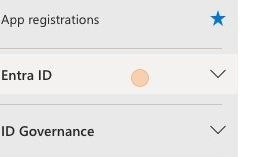
- Click “Entra ID”
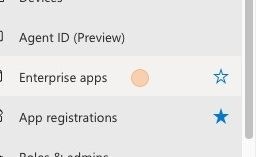
- Click “Enterprise apps”
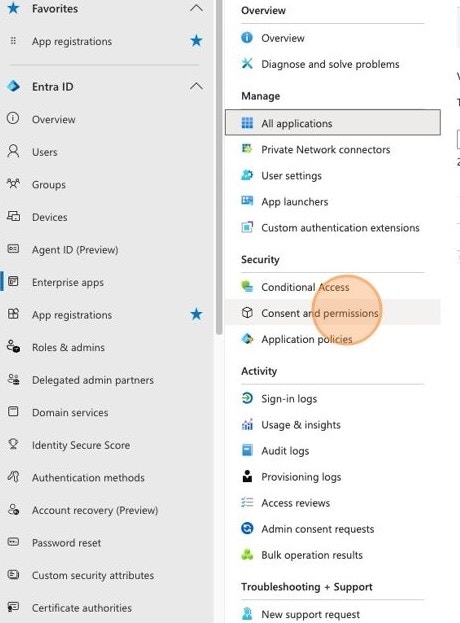
- Click “Consent and permissions”
- Click “All users can consent for permissions classified as “low impact”, for apps from verified publishers or apps registered in this organization.”
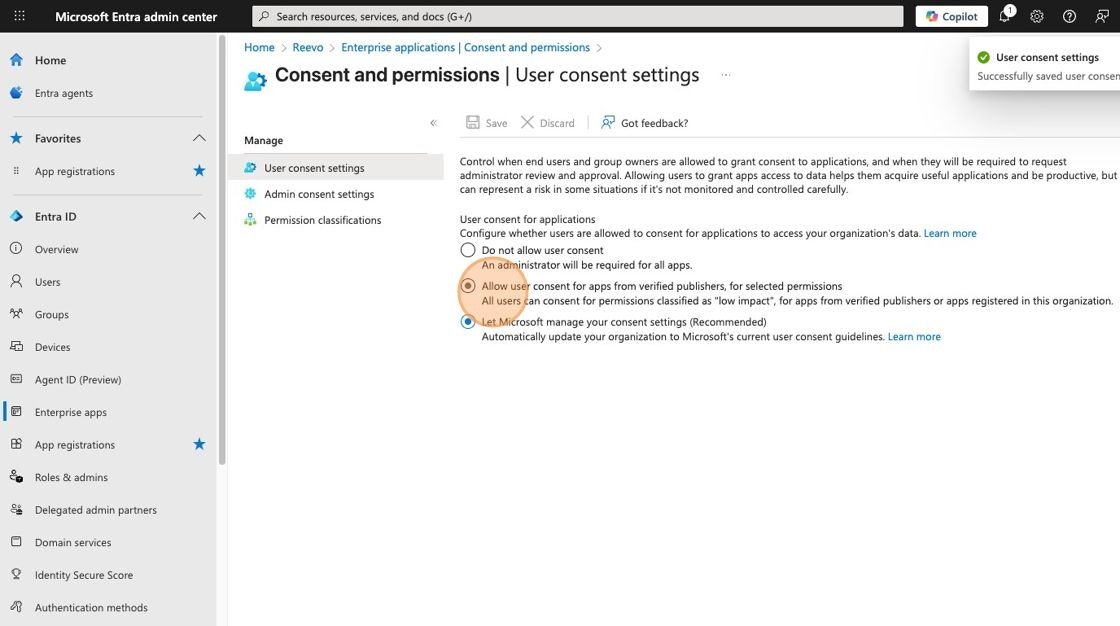
- Click “Save”
Still have questions? Sign in and use AskReevo for instant answers or to raise a support ticket.